

Overview
DecaGEO’s segment filters don’t just narrow results — they simulate different buyers. Filtering by a segment replays only the queries that match that buyer context. You’re not slicing one dataset differently; you’re seeing what AI recommends when the question comes from a different type of buyer.Segment filters are available on every category chart. The segments themselves follow the decision conditions that matter in each category, so they vary from one chart to another.
How Segment Position is determined
Example: “What CRM tools work best for a small marketing team on a tight budget?” and “What enterprise CRM platforms offer advanced automation for large sales teams?” are different personas asking the same category. Each answer counts toward its own segment — and AI’s recommendations often differ between the two.
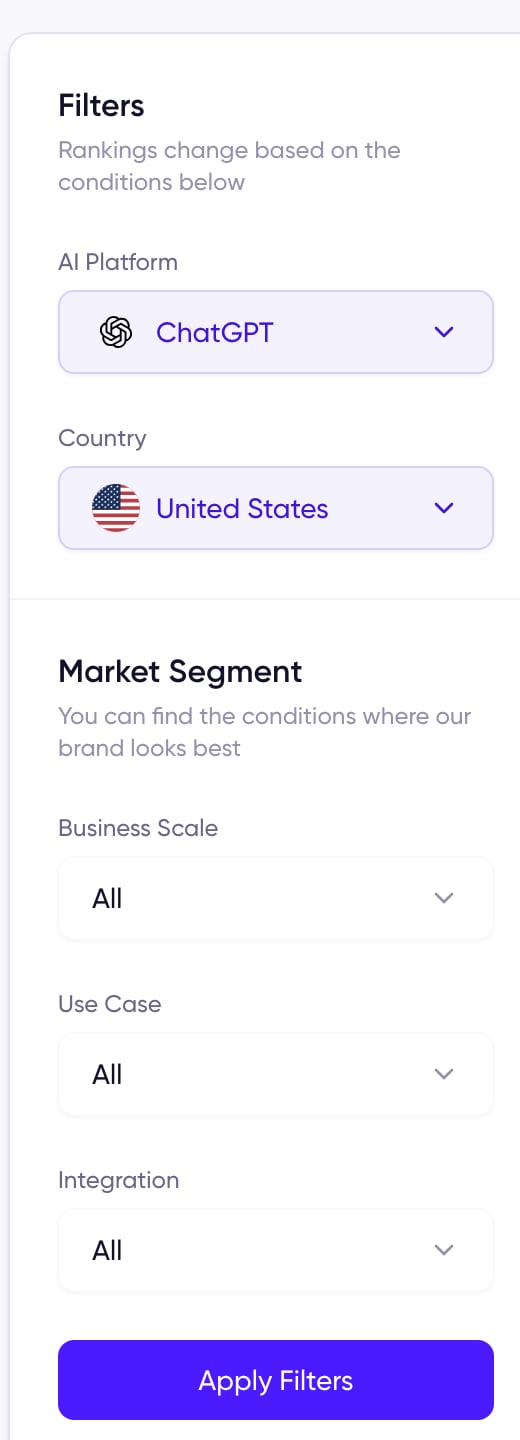
Market Segment filters on a category chart
Why Segment Position matters
Buyers don’t ask generic questions
Real buyers ask with their situation attached. Segment Position mirrors those situational questions, so it’s closer to what your actual buyers see than any overall number.It shows where you actually win
A brand that ranks #1 overall might drop to #5 for enterprise buyers — and vice versa. The segment view reveals the markets where AI already prefers you, and the ones where you’re invisible.It tells you where to focus
A near-win segment is a sharper target than a whole category. It also surfaces segments no product has locked down yet — open ground you can claim first.Related metrics
DECA Score
The 0–100 score behind every rank, overall or segment.
Mention Rate
How often you’re recommended at all, regardless of position.
Rank & weekly movement
Your overall chart position, and how it changed this week.